Pro Features Being Implemented – DevCam 2.01c
Save the moment after it happens.

Save the moment after it happens.

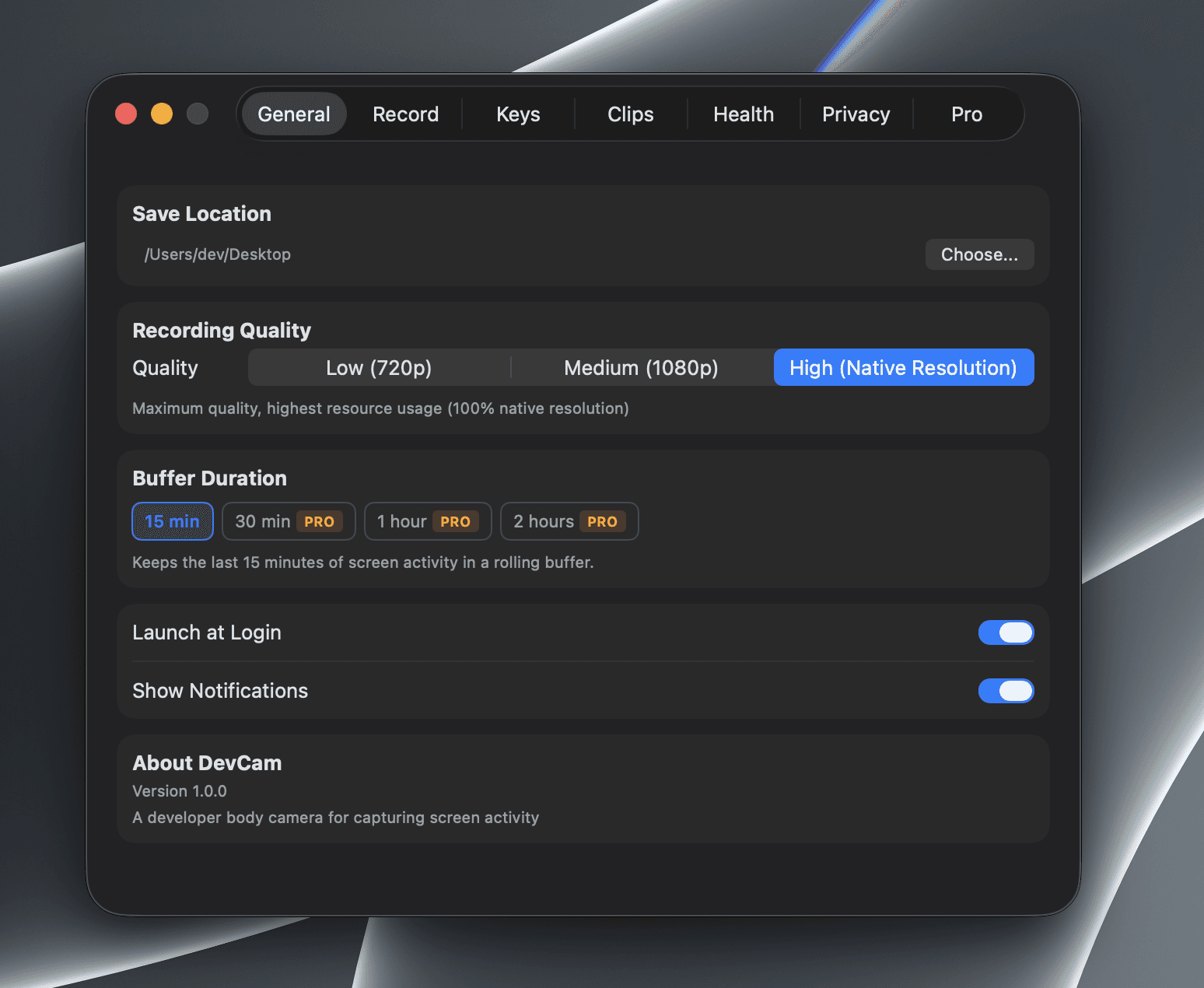
DevCam© quietly records the last 15 minutes of your screen so you can export the perfect bug repro, demo, or tutorial – without ever hitting the record button.

DevCam© quietly records the last 15 minutes of your screen so you can export the perfect bug repro, demo, or tutorial – without ever hitting the record button.

How DevCam© Works

How DevCam© Works

A lightweight menubar app that's always capturing in the background so you never miss a moment worth saving.

A lightweight menubar app that's always capturing in the background so you never miss a moment worth saving.

Retroactive by Default

DevCam© maintains a rolling 15-minute buffer of your screen. When something worth saving happens, just export it – no need to have started recording beforehand.

Menubar-First Workflow

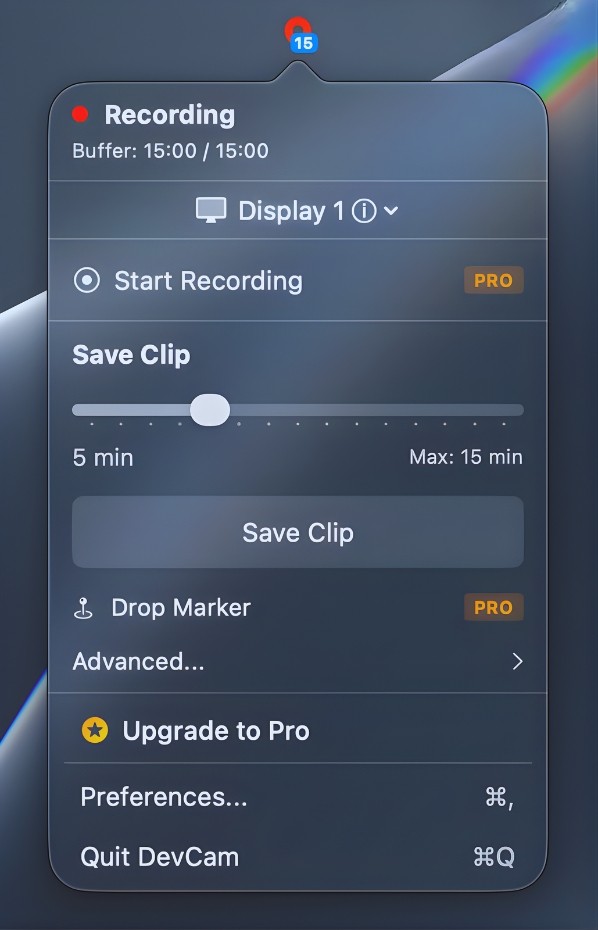
Lives quietly in your menubar and stays out of your way. Save clips with a click or global shortcut without ever leaving what you're working on.

100% Local and Private

No cloud, no analytics, no accounts. All recordings stay on your Mac in a folder you choose. Your screen never leaves your machines.

Retroactive by Default

DevCam© maintains a rolling 15-minute buffer of your screen. When something worth saving happens, just export it – no need to have started recording beforehand.

Menubar-First Workflow

Lives quietly in your menubar and stays out of your way. Save clips with a click or global shortcut without ever leaving what you're working on.

100% Local and Private

No cloud, no analytics, no accounts. All recordings stay on your Mac in a folder you choose. Your screen never leaves your machines.

Retroactive by Default

DevCam© maintains a rolling 15-minute buffer of your screen. When something worth saving happens, just export it – no need to have started recording beforehand.

Menubar-First Workflow

Lives quietly in your menubar and stays out of your way. Save clips with a click or global shortcut without ever leaving what you're working on.

100% Local and Private

No cloud, no analytics, no accounts. All recordings stay on your Mac in a folder you choose. Your screen never leaves your machines.

Frequently asked questions

Browse through the common queries to get the answers and insights you need.

What is DevCam©?

DevCam© is a menubar screen recorder for macOS that continuously captures a rolling 15-minute buffer of your screen so you can export clips after the fact.

Does DevCam© upload anything?

How much disk space does it use?

Does it record audio?

How do I save a clip?

Can I change the buffer length?

What macOS version do I need?
Changelog

The latest updates, improvements, and bug fixes for DevCam.

New Feature

Ver: unreleased

Jan 28, 2026

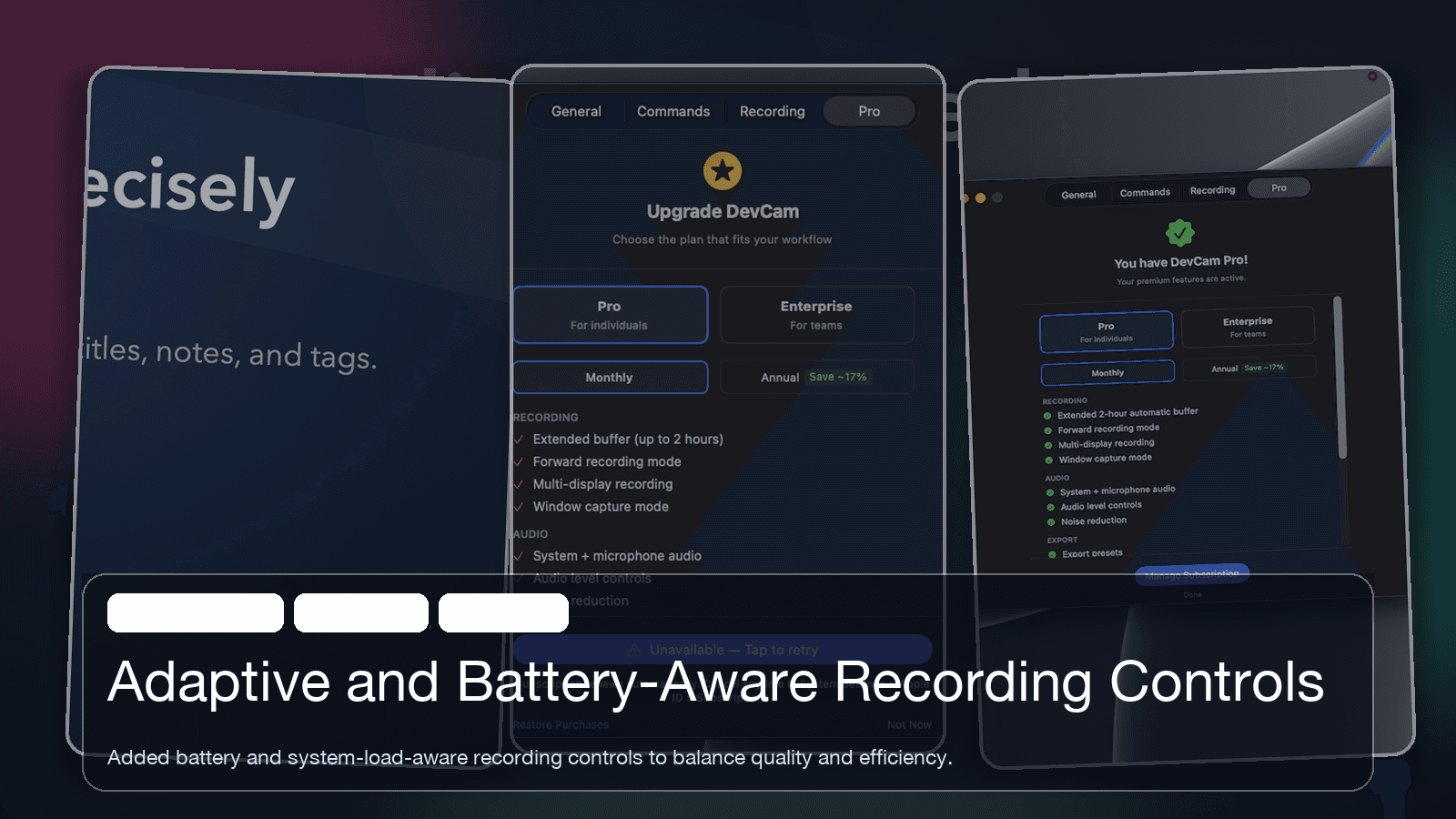
Adaptive and Battery-Aware Recording Controls

New Feature

Ver: unreleased

Jan 29, 2026

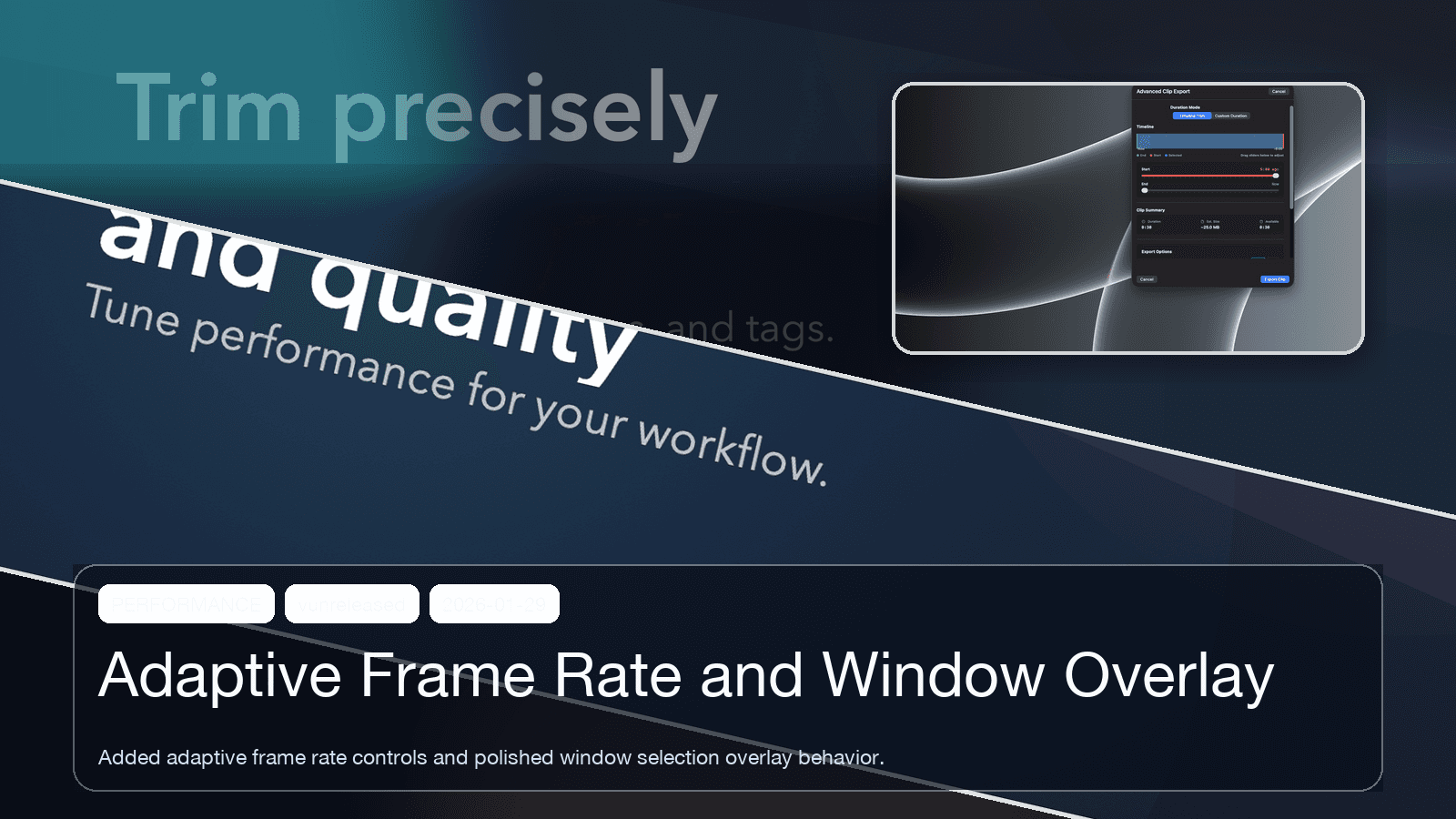
Adaptive Frame Rate and Window Overlay

New Feature

Ver: 1.2-beta

Jan 26, 2026

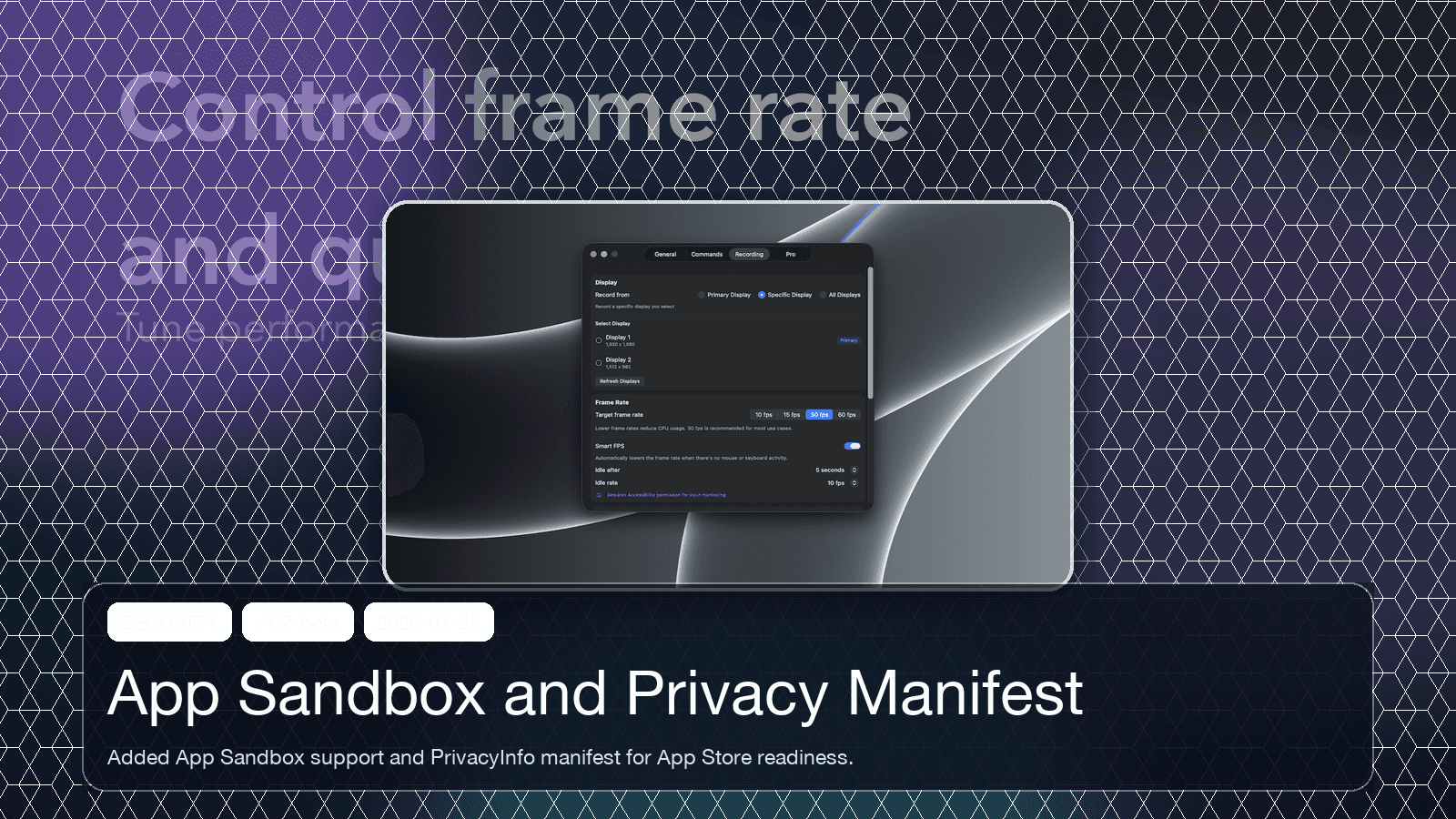
App Sandbox and Privacy Manifest

Ready to stop missing the moment?

Export the perfect bug repro, demo, or tutorial from the last 15 minutes of your screen – no setup required.

Ready to stop missing the moment?

Export the perfect bug repro, demo, or tutorial from the last 15 minutes of your screen – no setup required.