Version
1.2-beta
Published on
Jan 31, 2026
Dev Log: Adaptive Frame Rate, Battery Awareness, and Window Capture
TL;DR: The work that makes “leave it running all day” a reasonable default. DevCam now adapts its frame rate to screen activity, respects your battery, can capture a single window (with automatic fallback if it disappears), survives display switches, and lets you remap the hotkeys.
Adaptive frame rate
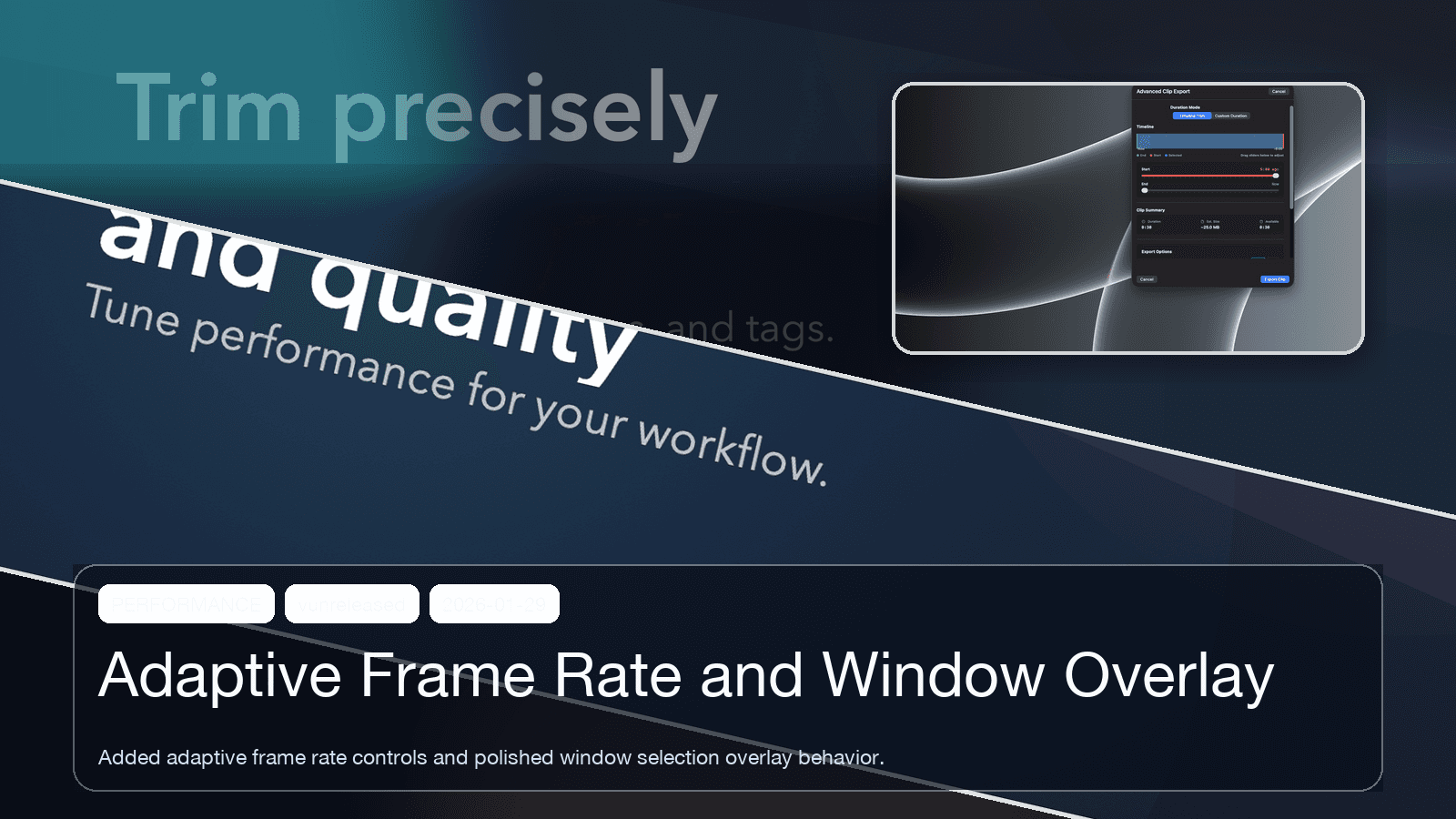
The largest cycle to date (48 files, 5,281 insertions). DevCam stops burning CPU encoding a screen where nothing is changing — capture quality where it matters, near-idle cost when the screen is static. A guided window-selection overlay landed alongside it, making capture targets visual instead of guesswork.
Battery-aware recording
Always-on capture and laptop batteries are natural enemies. DevCam can now adapt recording behavior to power state instead of burning watts at full tilt on battery — with deliberately conservative, predictable defaults. No surprise behavior changes mid-session.
Window capture with a safety net
Sometimes you only care about one app, and buffering the whole display is noise. Window capture mode landed — and the hard part was what happens when the tracked window minimizes, closes, or vanishes. The answer: automatic fallback to display capture, so DevCam never silently records nothing.
Display switches, handled
Docking a MacBook, unplugging a monitor, switching displays — everyday macOS events that used to be the easiest way to break an always-on recorder. Now there’s a confirmation flow so you control what happens to the buffer, with the recording flow hardened through the transition.
Your hotkeys, your badge
Defaults are good defaults, but ⌘⇧S means something else in plenty of workflows. Hotkeys are now customizable, and the menubar icon gained a dynamic badge so recording status is readable at a glance without opening anything.
Combined scope: 70 files changed, ~7,500 insertions.
This is the engine behind capturing bugs you didn’t see coming — here’s how bug bounty hunters use it.