Version
1.2-beta
Published on
Jan 27, 2026
Dev Log: The Reliability Push and the Health Dashboard
TL;DR: An always-on recorder is judged on whether it was actually recording when you needed it. Phase 1 made recording survive faults; Phase 2 made its health visible at a glance. And exporting stopped being blind — a preview window with trim controls landed.
Phase 1: make it survive
Core reliability safeguards in the recording flow
Recovery handling for transient faults — brief hiccups no longer kill the session
Foundational tests across uptime-critical paths, better session-lifecycle observability, and early reliability metrics codified
Phase 2: make it visible
If the buffer ever isn’t healthy, you should know before you need a clip — not after:
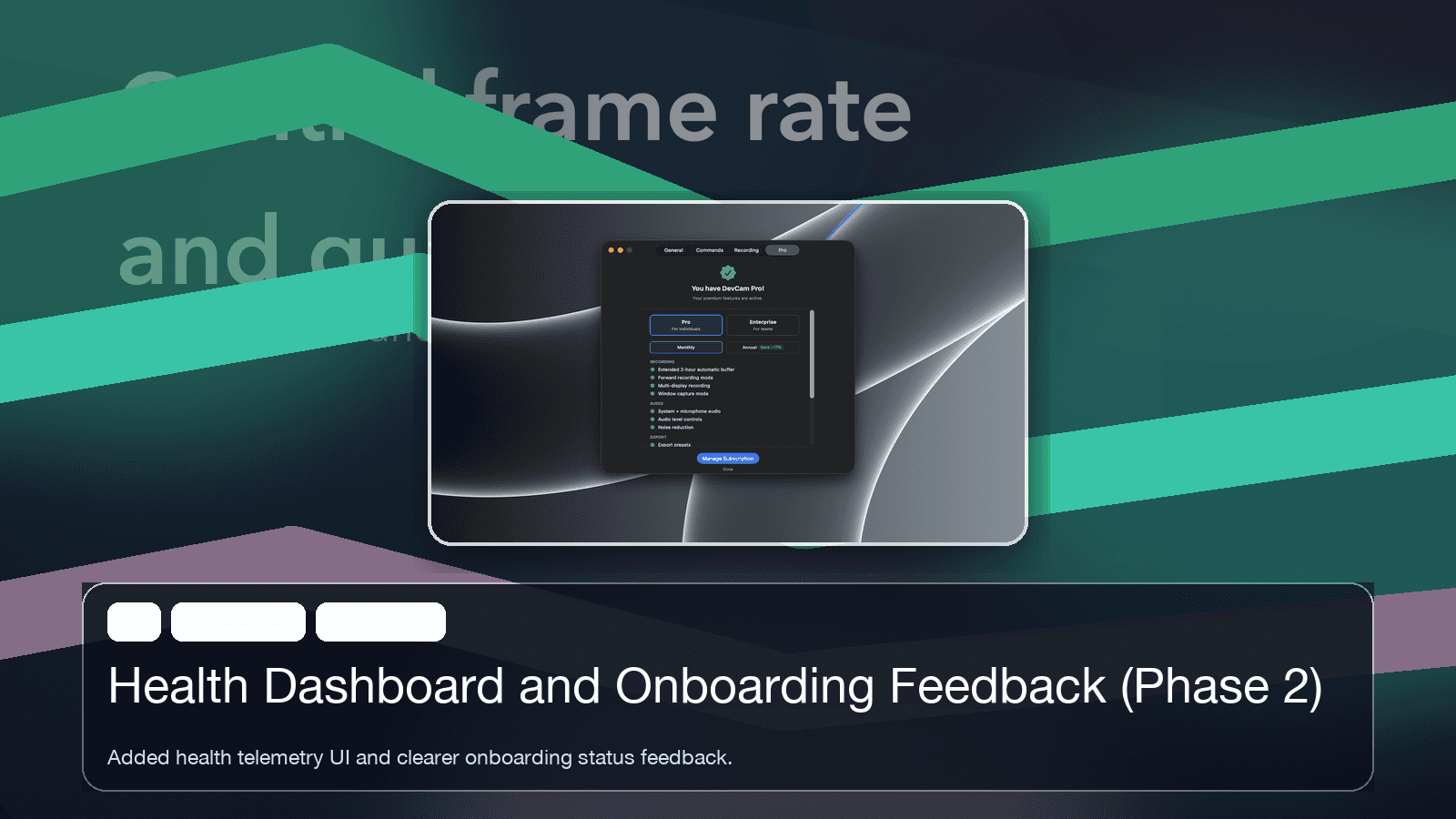
A health dashboard with actionable status surfaces — not just “something’s wrong,” but what and what to do about it
Improved onboarding guidance and progress feedback
Local-only runtime telemetry driving the user-visible health context
Preview before you export
Exporting blind was the workflow’s weak point — save a clip, open it, discover the interesting part was three seconds earlier than your range. Now there’s a preview window with playback and trim, preview state aligned with clip preparation, and unambiguous output boundaries: what you see is what exports.
Combined scope: 14 files changed, ~2,400 insertions — including the biggest UX diff so far.
Read next: adaptive capture — frame rate, battery, window mode.