Pro Features Being Implemented – DevCam 2.01c

Save the moment after it happens.

Save the moment after it happens.

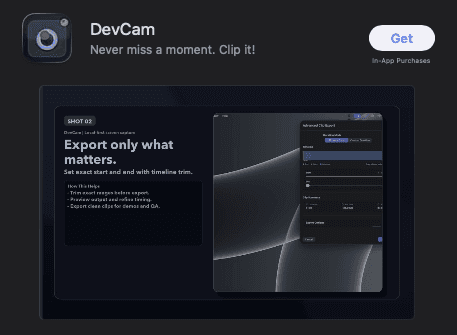
A dash cam for your screen. DevCam quietly records the last 15 minutes of your screen so you can export the perfect bug repro, demo, or tutorial – without ever hitting the record button.

A dash cam for your screen. DevCam quietly records the last 15 minutes of your screen so you can export the perfect bug repro, demo, or tutorial – without ever hitting the record button.

How DevCam© Works

How DevCam© Works

A lightweight menubar app that's always capturing in the background so you never miss a moment worth saving.

A lightweight menubar app that's always capturing in the background so you never miss a moment worth saving.

Retroactive by Default

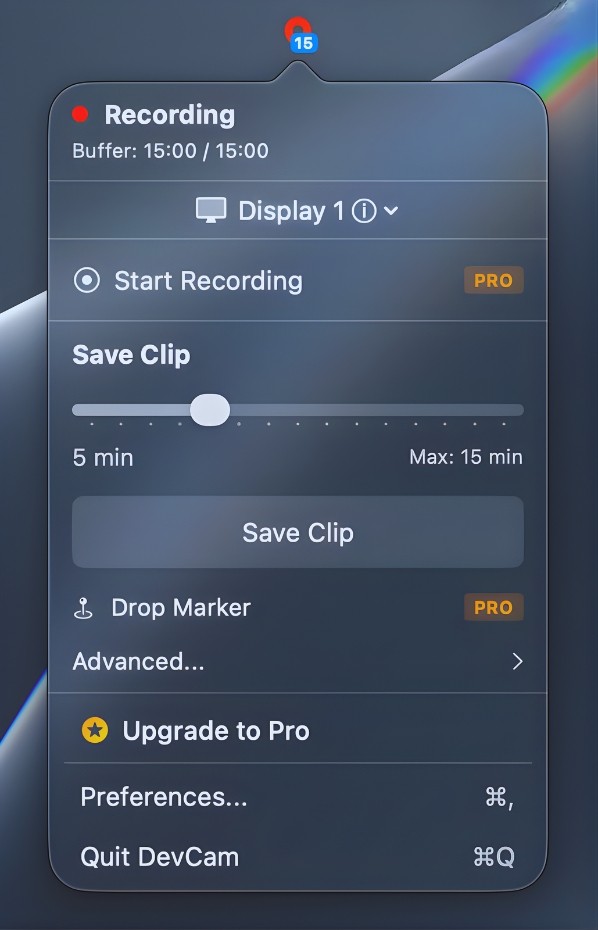
DevCam© maintains a rolling 15-minute buffer of your screen. When something worth saving happens, just export it – no need to have started recording beforehand.

Menubar-First Workflow

Lives quietly in your menubar and stays out of your way. Save clips with a click or global shortcut without ever leaving what you're working on.

100% Local and Private

No cloud, no analytics, no accounts. All recordings stay on your Mac in a folder you choose. Your screen never leaves your machines.

Retroactive by Default

DevCam© maintains a rolling 15-minute buffer of your screen. When something worth saving happens, just export it – no need to have started recording beforehand.

Menubar-First Workflow

Lives quietly in your menubar and stays out of your way. Save clips with a click or global shortcut without ever leaving what you're working on.

100% Local and Private

No cloud, no analytics, no accounts. All recordings stay on your Mac in a folder you choose. Your screen never leaves your machines.

Retroactive by Default

DevCam© maintains a rolling 15-minute buffer of your screen. When something worth saving happens, just export it – no need to have started recording beforehand.

Menubar-First Workflow

Lives quietly in your menubar and stays out of your way. Save clips with a click or global shortcut without ever leaving what you're working on.

100% Local and Private

No cloud, no analytics, no accounts. All recordings stay on your Mac in a folder you choose. Your screen never leaves your machines.

Frequently asked questions

Browse through the common queries to get the answers and insights you need.

What is DevCam©?

DevCam© is a menubar screen recorder for macOS that continuously captures a rolling 15-minute buffer of your screen so you can export clips after the fact.

Does DevCam© upload anything?

How much disk space does it use?

Does it record audio?

How do I save a clip?

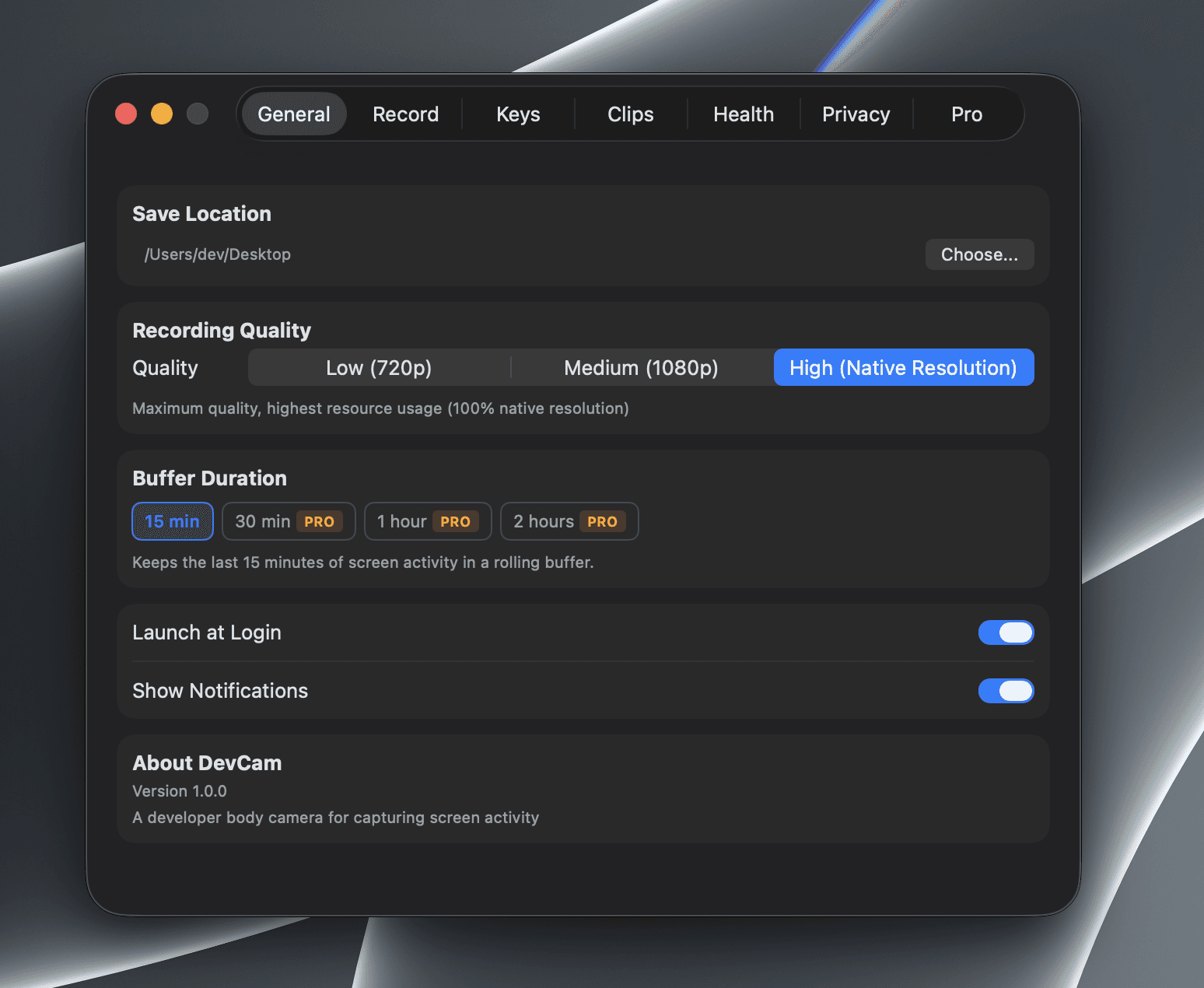
Can I change the buffer length?

What macOS version do I need?
Changelog

The latest updates, improvements, and bug fixes for DevCam.

Improvement

Ver: 1.0.0

DevCam is on the App Store

New Feature

Ver: unreleased

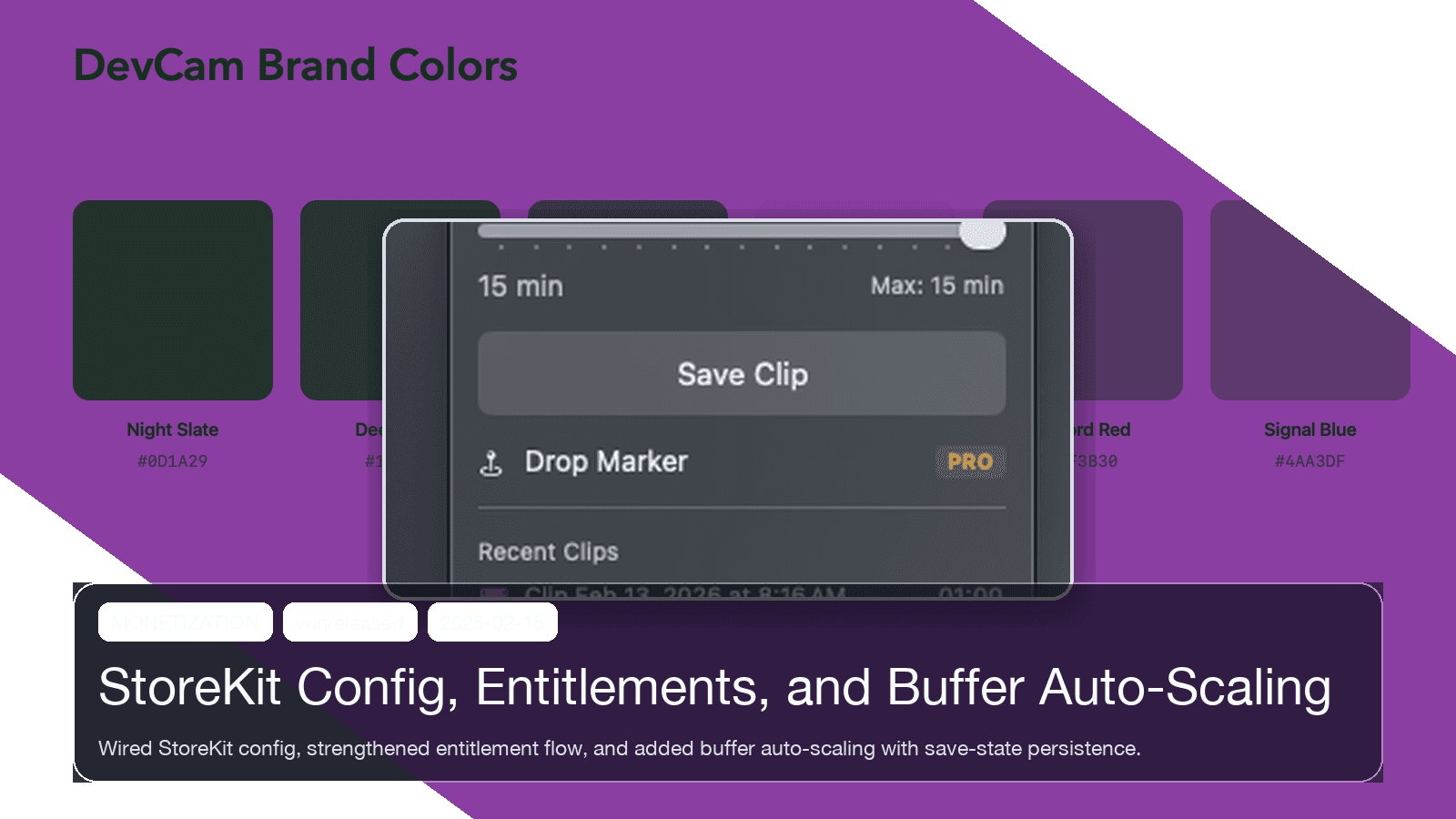
StoreKit Config, Entitlements, and Buffer Auto-Scaling

New Feature

Ver: unreleased

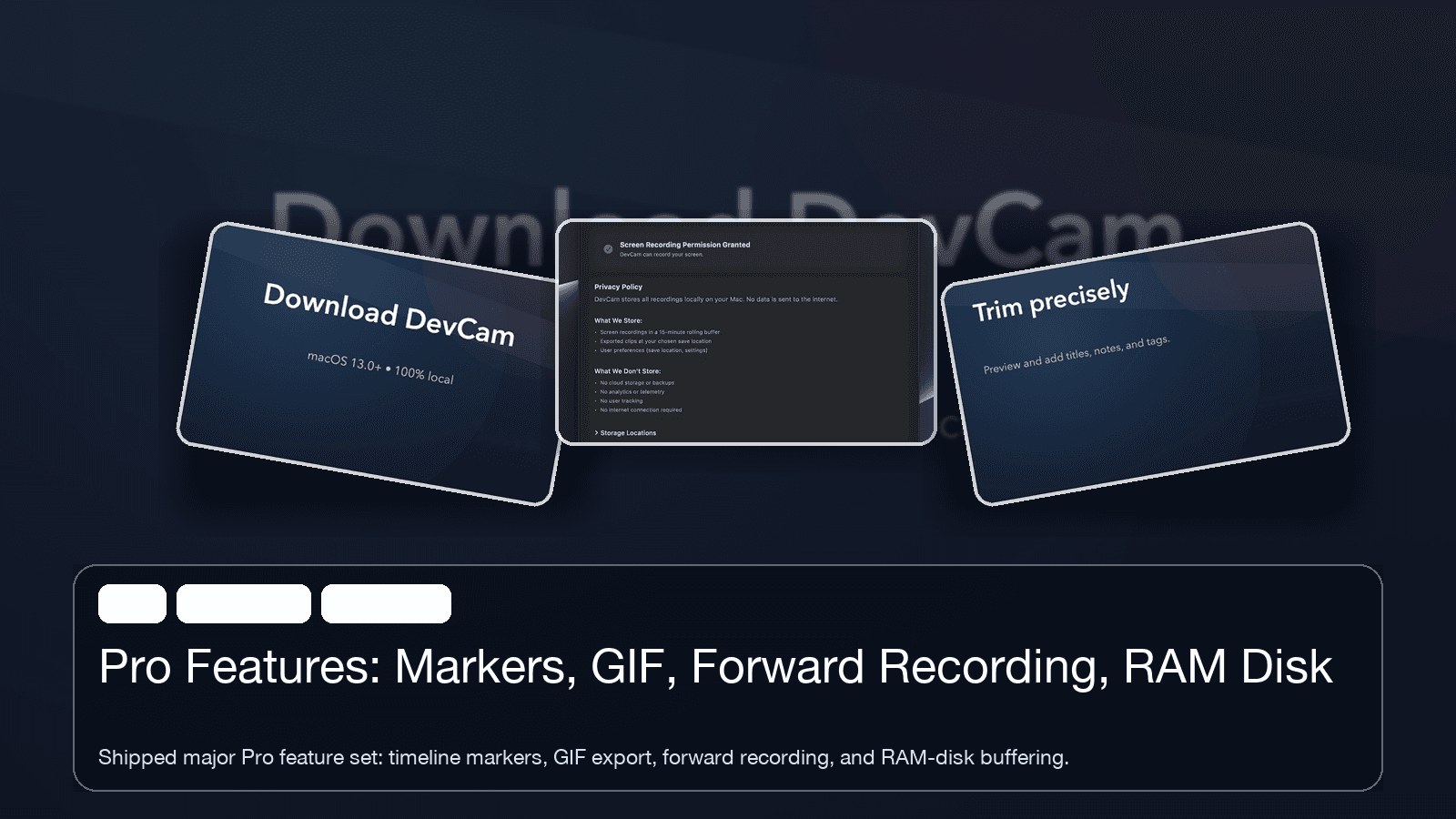
Pro Features: Markers, GIF, Forward Recording, RAM Disk

Ready to stop missing the moment?

Export the perfect bug repro, demo, or tutorial from the last 15 minutes of your screen – no setup required.

Ready to stop missing the moment?

Export the perfect bug repro, demo, or tutorial from the last 15 minutes of your screen – no setup required.